
Duplicate purchases, forgotten items and messages buried between photos, voice notes and jokes.
Who is doing what? Clear in one place.
Tasks4Us takes tasks, shopping and expenses out of chat chaos: no noisy group chat, one clear place for each task, and photos attached where they belong.
Launch offer: +2 owned groups for 6 months on any plan.
For families, flats, trips and friend groups that need clear agreements without a heavy project tool.
- Enter with Google or Microsoft
- No required install
- No card to start
The usual chaos is not a lack of effort — it is a lack of one clear place.
When everything lives in WhatsApp, loose notes or memory, agreements get mixed with conversation and nobody knows what is still pending.
Without a visible owner, tasks stay in the air until someone asks again.
Receipts, bookings and expenses scattered through chat make settling up harder than it should be.
Tasks4Us turns repeated reminders into visible agreements for the whole group.
WhatsApp is for talking.Tasks4Us is for knowing what needs doing, who owns it and what is missing.
From messy chat to a clear group in three steps.
Create a group
Weekly groceries, Tenerife trip, shared flat or family tasks.
Invite your people
Everyone sees pending items without searching through messages.
Mark and settle
Bought, done or paid: the group knows what is left and avoids duplicates.
Choose tasks, items or expenses.
You do not have to force everything into “tasks”: shopping is a list, a trip can have expenses, and a home can have owners.
Tasks
Task groups
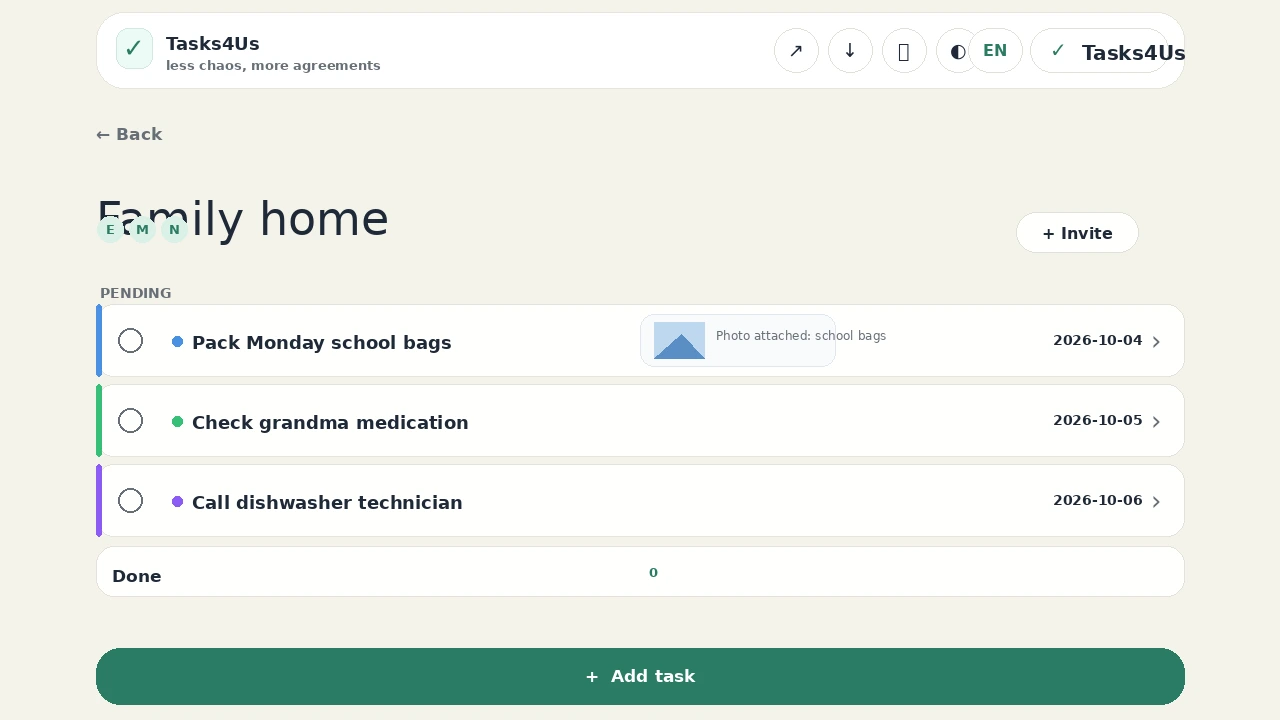
No more “who was doing that?”. Pending work stays on top, owners are visible and completed tasks are separate.
Items
Item lists
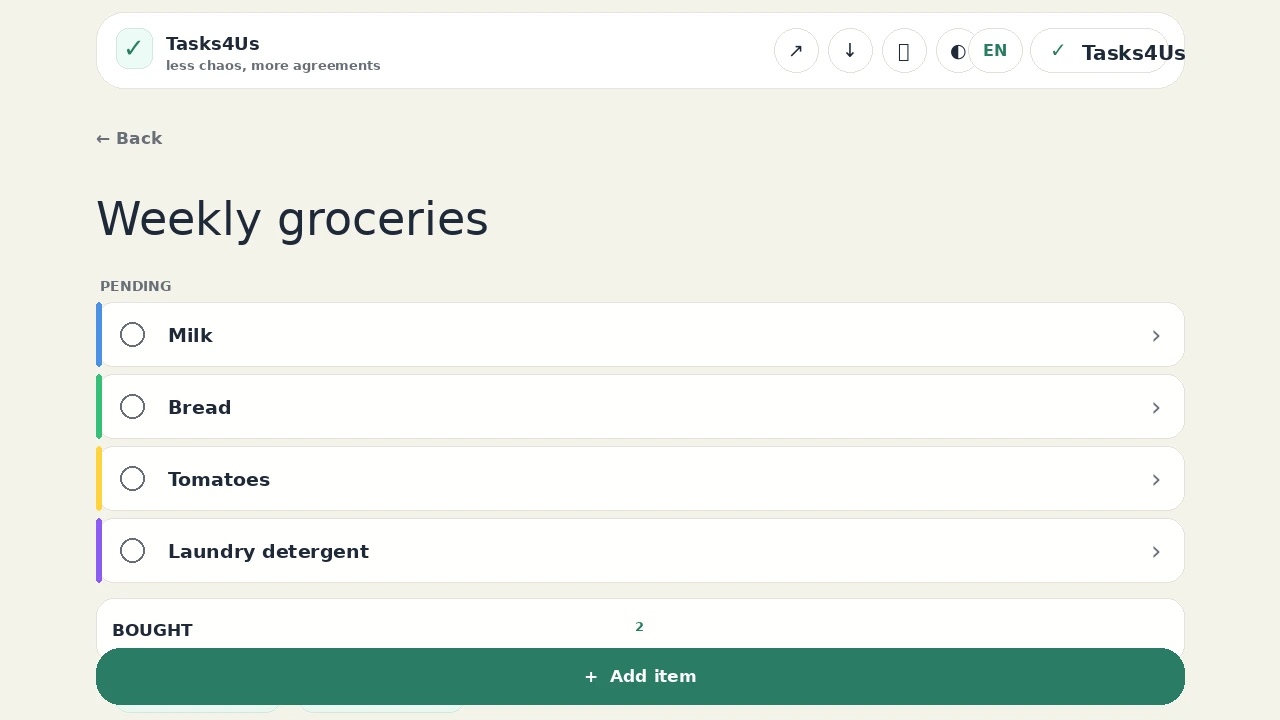
Shopping, packing, gifts or supplies. Result: fewer duplicates and fewer “who bought it?” messages.
Expenses
Shared expenses
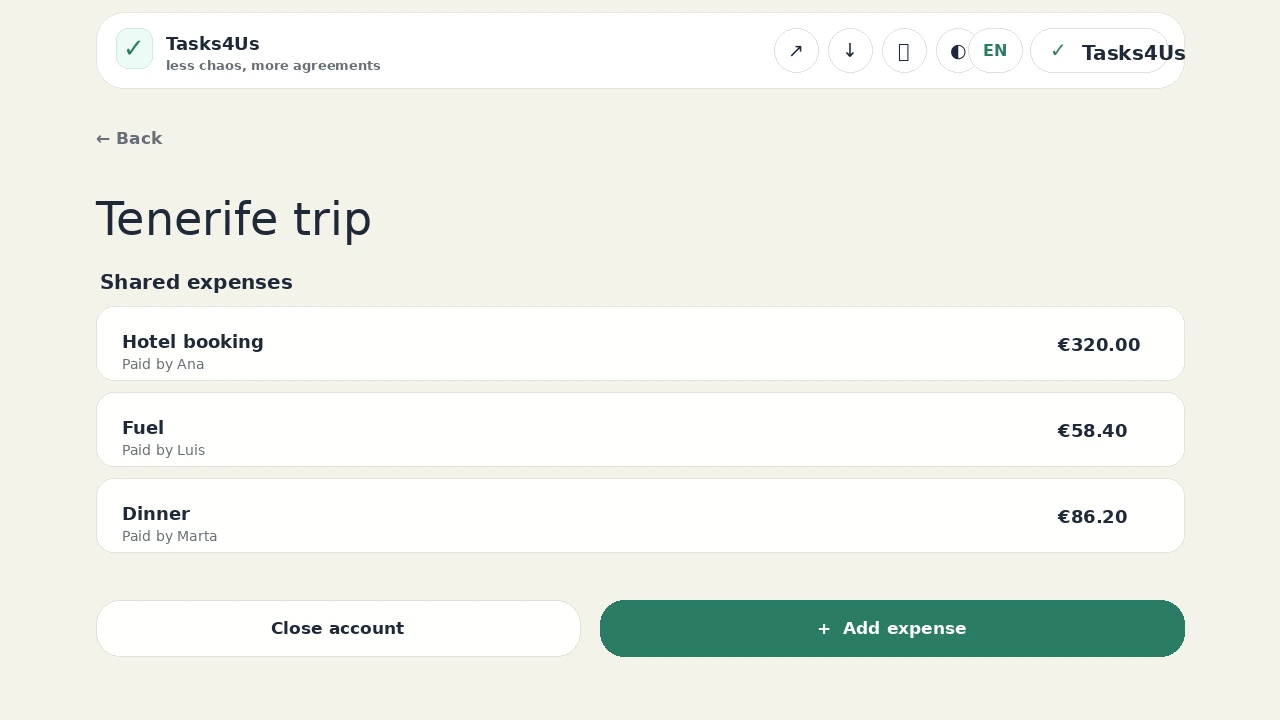
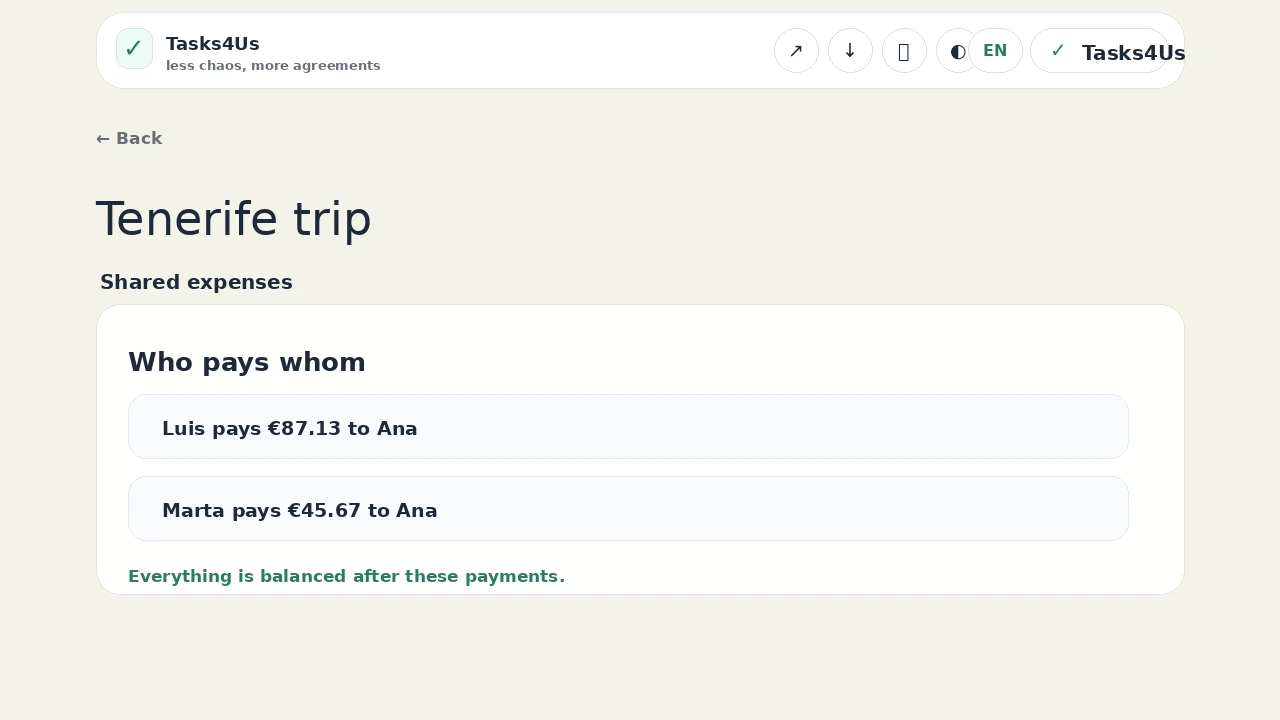
Hotel, car, fuel and dinner. Close the account to see how much each person pays and to whom.
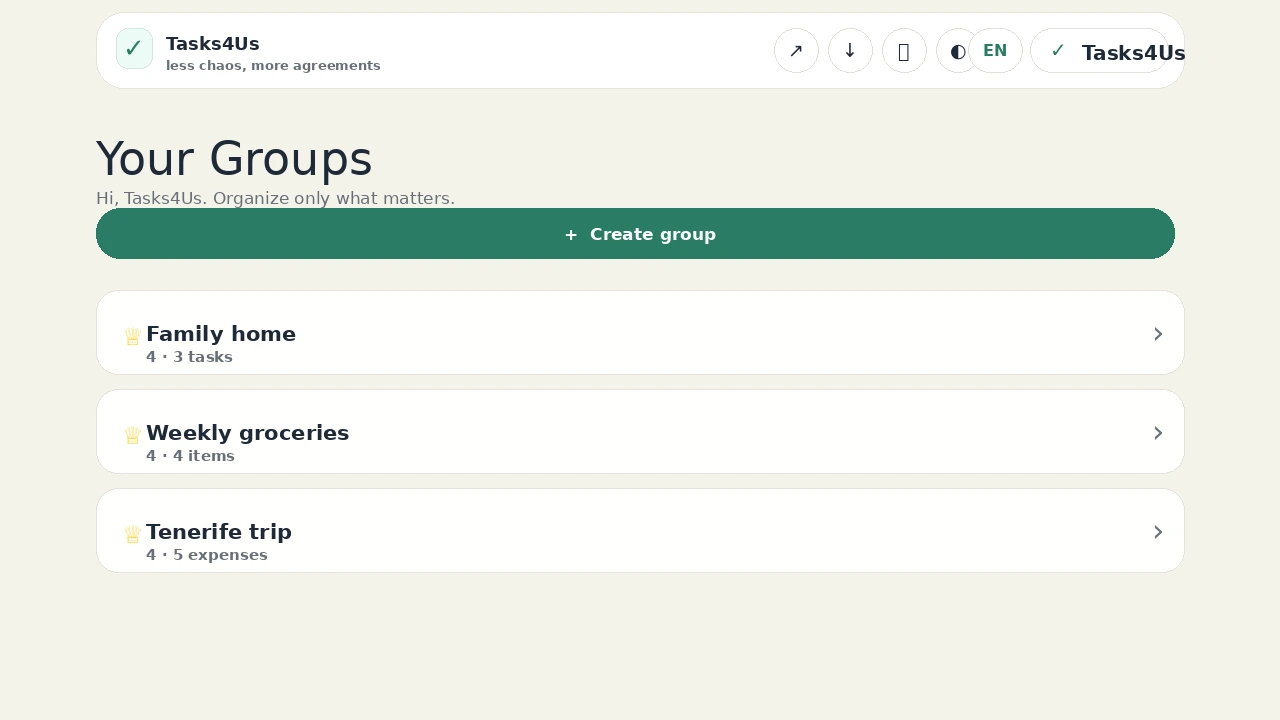
See the real app screens before you sign in.
Tasks, item lists, expenses and balances live in separate, simple screens so each group knows what is pending.
Start with the group creating the most noise today.
The goal is not “project management”; it is to stop repeating everyday agreements.
Family task, list and expense planner app
Tasks4Us helps families share chores, groceries, school errands, care tasks and small expenses with task groups, item lists, owners, colors and photos.
See example →Shared tasks, lists and expenses for couples
Tasks4Us helps couples organize chores, shopping lists, trips, shared plans and expenses without misunderstandings or endless reminders.
See example →Shared flat chores, shopping lists and expenses
Tasks4Us helps flatmates organize cleaning, shared shopping lists, bills, payments and repairs without losing agreements in the group chat.
See example →Group trip planning: tasks, lists and expenses
Tasks4Us organizes group trip planning and shared expenses: bookings, documents, shopping, packing, owners, receipts and who pays whom at the end.
See example →Built for coordination, not more noise.
WhatsApp is great for talking. Tasks4Us keeps decisions, photos and responsibilities out of the scroll.
No chat by design
Each group has the agreement itself: what needs doing, who owns it and what is already finished.
One photo per task
Add the receipt, broken item, shopping label or proof photo to the exact task or list item.
Made for everyday groups
For families, flats, trips and small teams that need clarity without a heavyweight project tool.
Start free. Upgrade when Tasks4Us becomes part of daily life.
Clear limits, no ads and annual founder pricing for Plus and Pro: keep it forever while you keep paying and do not change plan.
Launch offer: +2 owned groups for 6 months on any plan.
Free
Enough to test the habit with real people.
€0
Forever free · no card to start
- 1 permanent owned groupCreate one group of your own at no cost.
- 5 invited groupsJoin other people’s groups without needing to pay first.
- 3 starter templatesHome, shopping list and family basics.
- Core coordinationTasks, item lists, shared expenses, photos, owners and recurring work.
Plus
For families, flats and trips that need more room.
€12.95/year
Taxes included. Billed annually. Renews automatically; cancel any time.
PLUS founder price: subscribe now and keep €12.95/year forever while you keep paying and do not change plan.
- 5 owned groupsHome, shopping, school, trip and shared expenses can all live separately.
- 10 invited groupsUseful when you coordinate with family, friends and flatmates in separate groups.
- 9 practical templatesFamily, trip, event, pet, shared flat and simple project templates.
Pro
For clubs, teams and heavy organizers.
€24.95/year
Taxes included. Billed annually. Renews automatically; cancel any time.
PRO founder price: subscribe now and keep €24.95/year forever while you keep paying and do not change plan.
- 15 owned groupsMore space for clubs, teams, recurring events and active organizers.
- unlimited invited groupsBring in the people who need to see or complete the work.
- All templatesEverything in Plus plus power-user use cases.
The important answers before trying it.
Does Tasks4Us replace WhatsApp?
No. WhatsApp is for conversation; Tasks4Us keeps the agreement separate from the chat: the task, owner, photo, list item or expense stays visible until it is done.
How do I sign in?
You enter with Google or Microsoft. You do not need a password for Tasks4Us and you do not need a card to start on Free.
What groups can I create?
Task groups, item lists and shared-expense groups for families, couples, flats, trips, teams or events.
What is different from Todoist, WhatsApp or a shared note?
Tasks4Us is built for small shared groups: no noisy chat, a clear owner when needed, photos attached to the exact task, separate lists and simple shared expenses.
Are my data and photos private?
Your groups are only for the people invited to them. Photos are stored as part of the relevant task or list item so they have context instead of being lost in a chat thread.
What happens if I cancel Plus or Pro?
Plus and Pro renew automatically each year until you cancel. If you cancel, renewal stops and you keep paid access until the end of the paid period. After that, creating or owning more groups may be limited by Free.
Is there a native iOS or Android app?
Not yet. Tasks4Us works in the browser on mobile and desktop, with no required install.
What happens when the 6-month gift expires?
The +2 launch groups are temporary. When they expire, Free still includes 1 permanent owned group and 5 invited groups; Plus and Pro keep their paid limits. You can upgrade if you need more owned groups.
Can I use it for one shopping list or one trip?
Yes. Start with one concrete need: groceries, gifts, packing, home chores or trip expenses.
Do invited groups count against plan limits?
Invited groups have their own limit: Free includes 5 invited groups, Plus includes 10 and Pro includes unlimited invited groups. They are separate from the groups you own.
Create your first group now — it is free.
Start with groceries, one home task or trip expenses. If it reduces messages, the habit is already working.
Create my first group free
Enter with Google or Microsoft. No card needed to start.