
How to organize family tasks without relying on WhatsApp
A step-by-step guide with English screenshots for turning chores, school errands and care tasks into one shared task group in Tasks4Us.
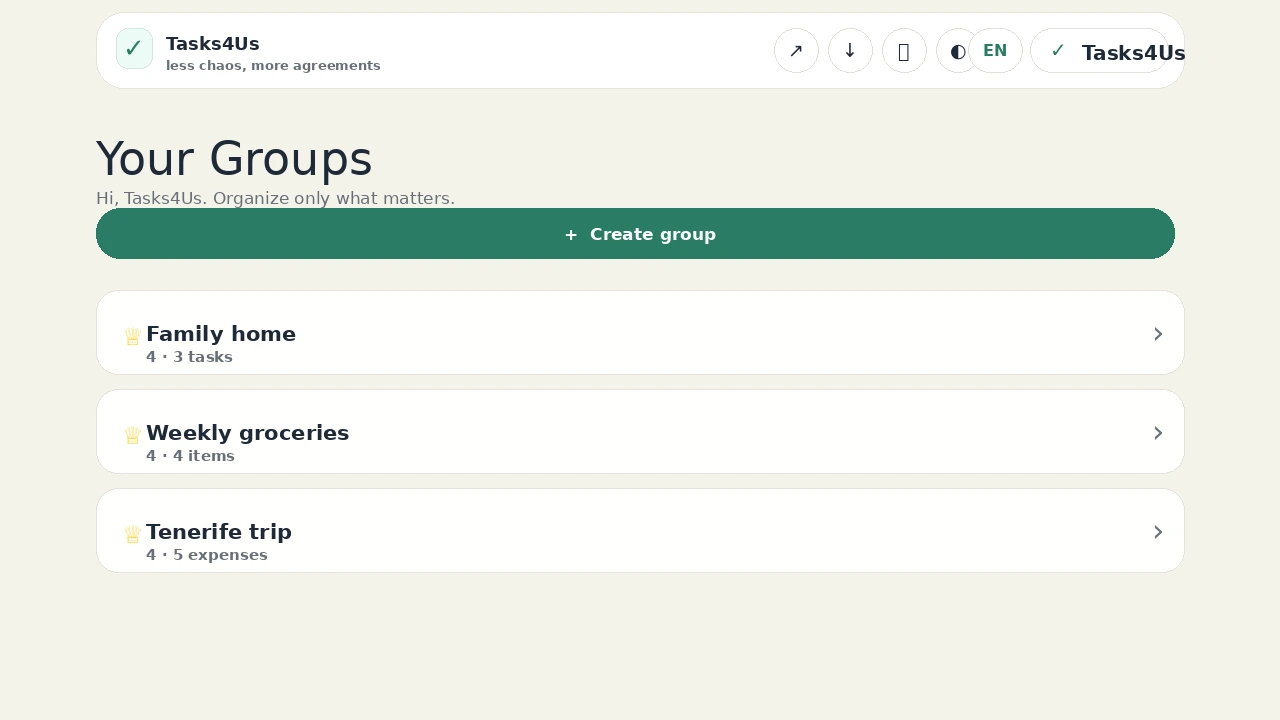
Tasks4Us works best when every group has one clear purpose: tasks, an item list or shared expenses. The examples below use real app screenshots in English, so the visual language matches this article.
Create one group just for the family routine
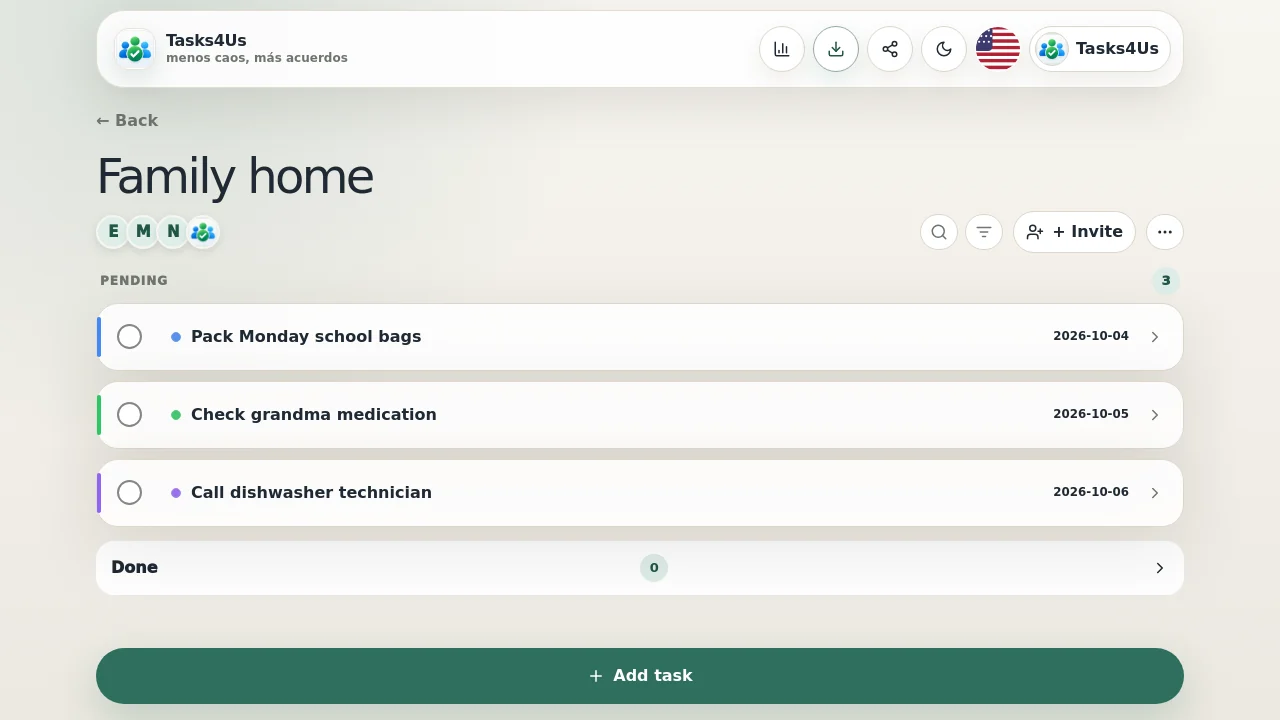
Open a task group with a clear name, such as “Family home”. From then on, school, chores and care tasks stop living across messages, voice notes and loose reminders: there is one place to look.
Add each task with an owner and context
Write the task and give it an owner, a color, a description and a due date. Anyone who opens the group sees what is missing and who is on it without asking again in chat.
Keep shopping and expenses in their own groups
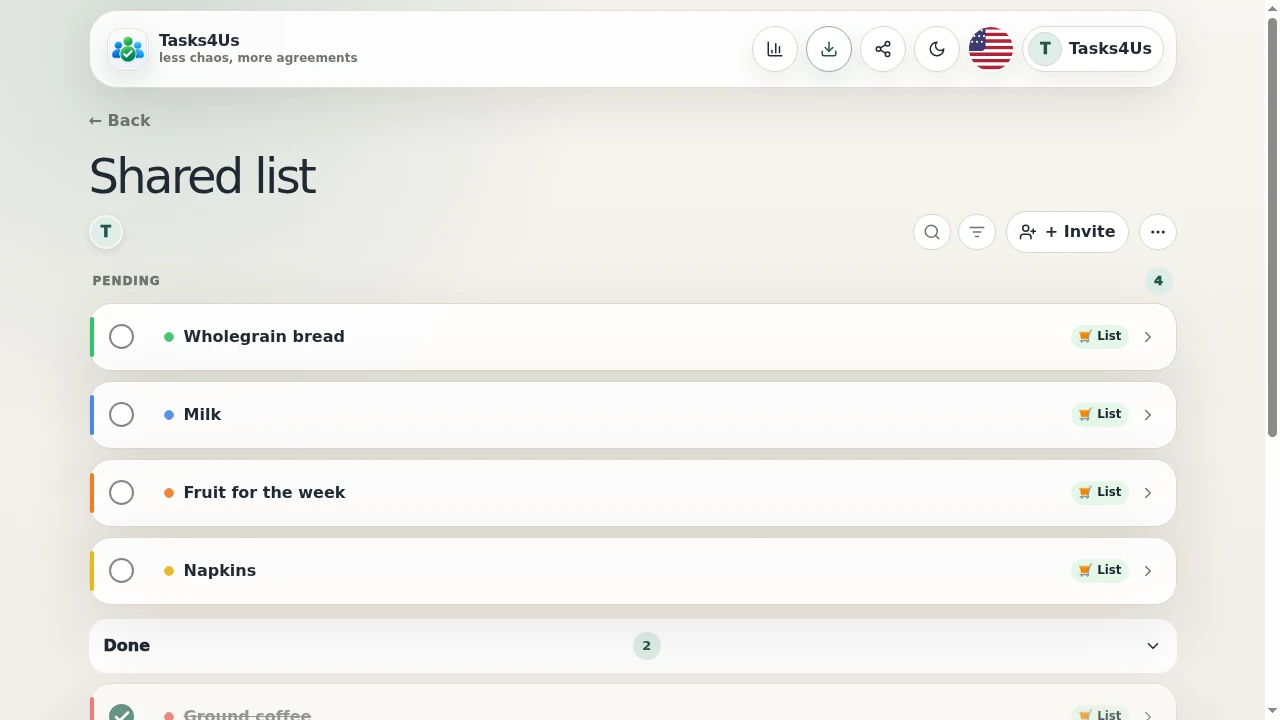
When the missing thing is a purchase or a payment rather than a task, create an item list for weekly groceries or a shared expenses group. Each group keeps its purpose and the task list stays free of noise.
Start with one shared group.
Create a task group, item list or shared-expense group and invite the people who need visibility.
FAQ
Does Tasks4Us replace WhatsApp?
No. The conversation stays in WhatsApp; Tasks4Us holds the agreements: what is missing, who is doing it and what is already done.
Can I invite grandparents or other relatives?
Yes. Invite anyone who takes part in the routine; each person sees the group tasks, lists and expenses from their phone.