
How to organize a shared flat with tasks, shopping and bills
Guide with English screenshots for splitting cleaning, common shopping and bills between flatmates with task groups, item lists and shared expenses.
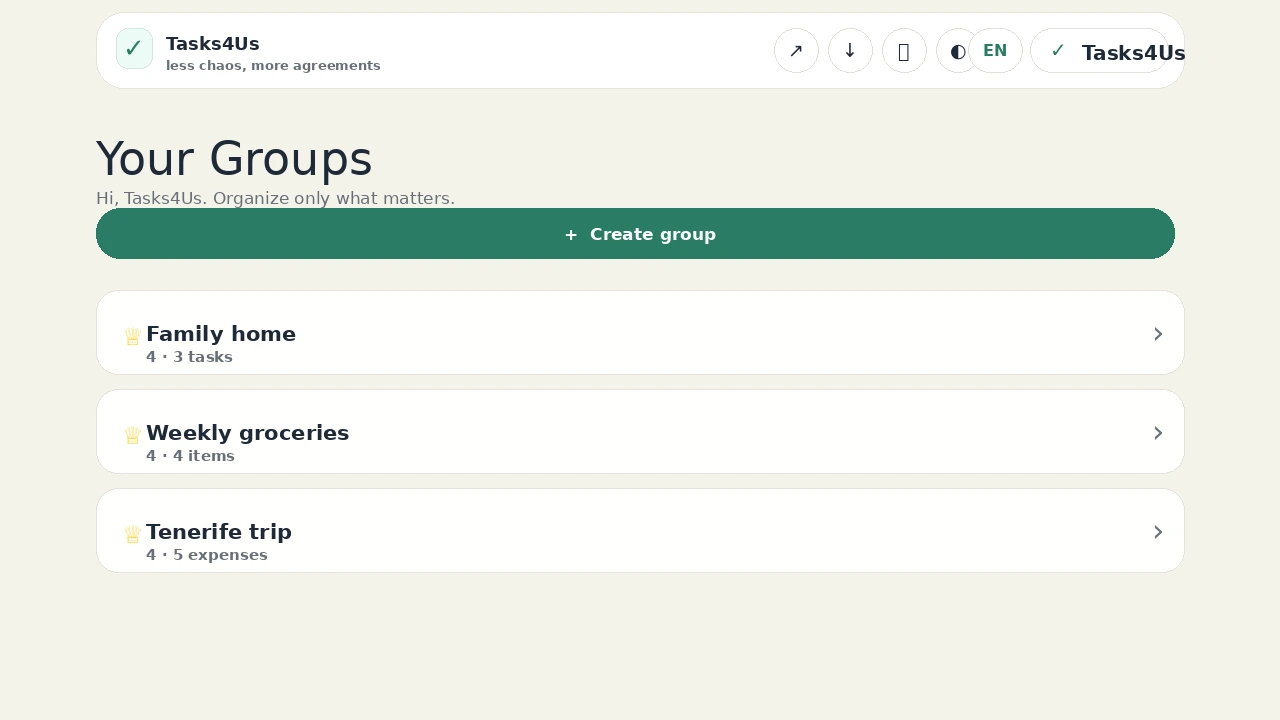
Tasks4Us works best when every group has one clear purpose: tasks, an item list or shared expenses. The examples below use real app screenshots in English, so the visual language matches this article.
Create three groups: tasks, list and expenses
Open a task group for cleaning, an item list for common shopping and a shared expenses group for bills. Each type has its own counter, so nothing gets mixed up.
Give every chore an owner
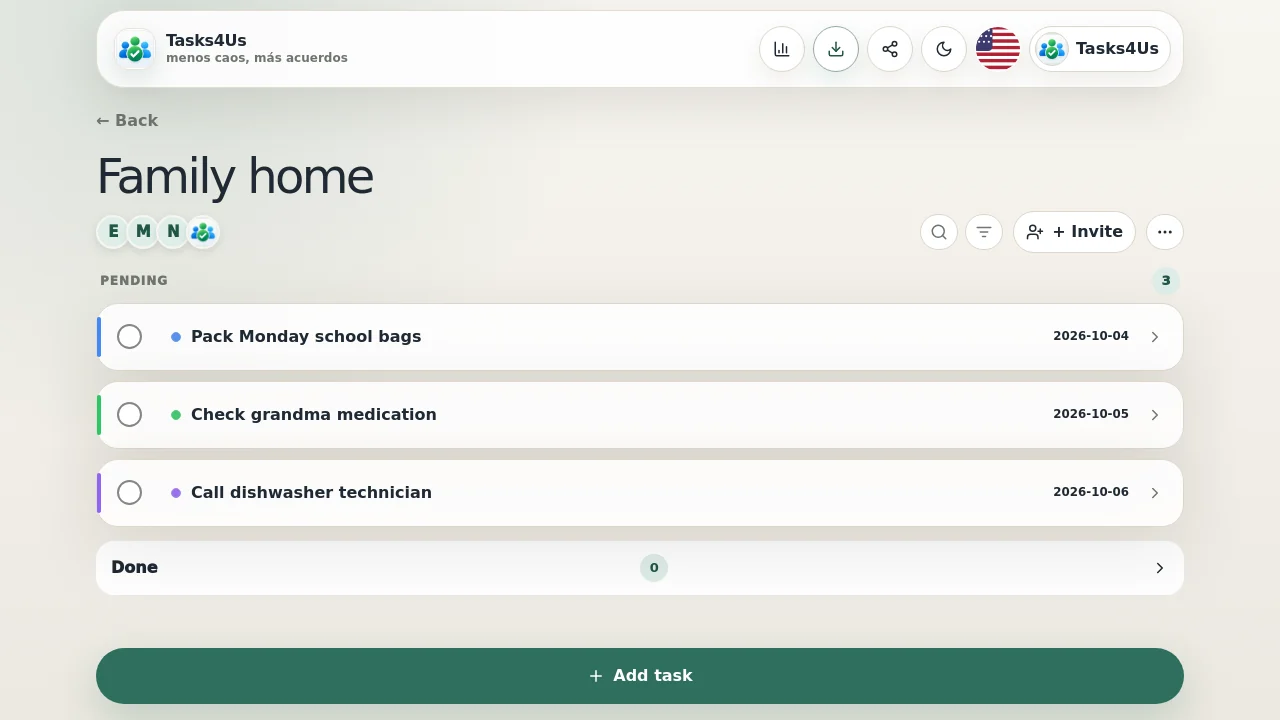
Cleaning the kitchen, taking out the rubbish or messaging the landlord get a visible owner and a due date. Arguments about whose turn it was come to an end.
Record common shopping and payments where they belong
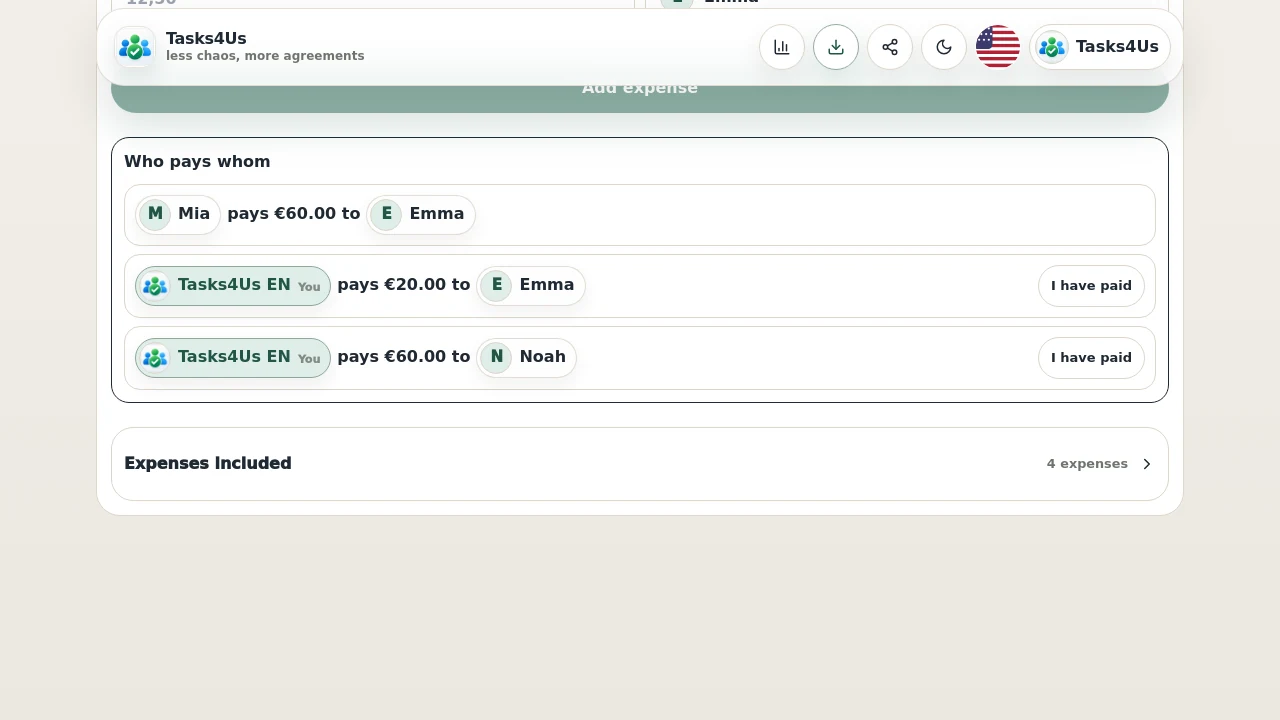
Common products go into the item list and big bills into the shared expenses group. When you close the account you see who pays whom without reconstructing it from chat.
Start with one shared group.
Create a task group, item list or shared-expense group and invite the people who need visibility.
FAQ
Can every flatmate join?
Yes. Invite them to the group and each one sees the tasks, the list and the expenses from their phone.
Should chores and bills go in the same group?
You can, but it is better to separate them: the task group shows pending and done, and the shared expenses group works out who pays whom. Creating two groups takes a minute.