
How to split group trip expenses without a spreadsheet
Example with English screenshots: record the hotel, dinners, car and excursions in a shared expenses group and close the account to see who pays whom.
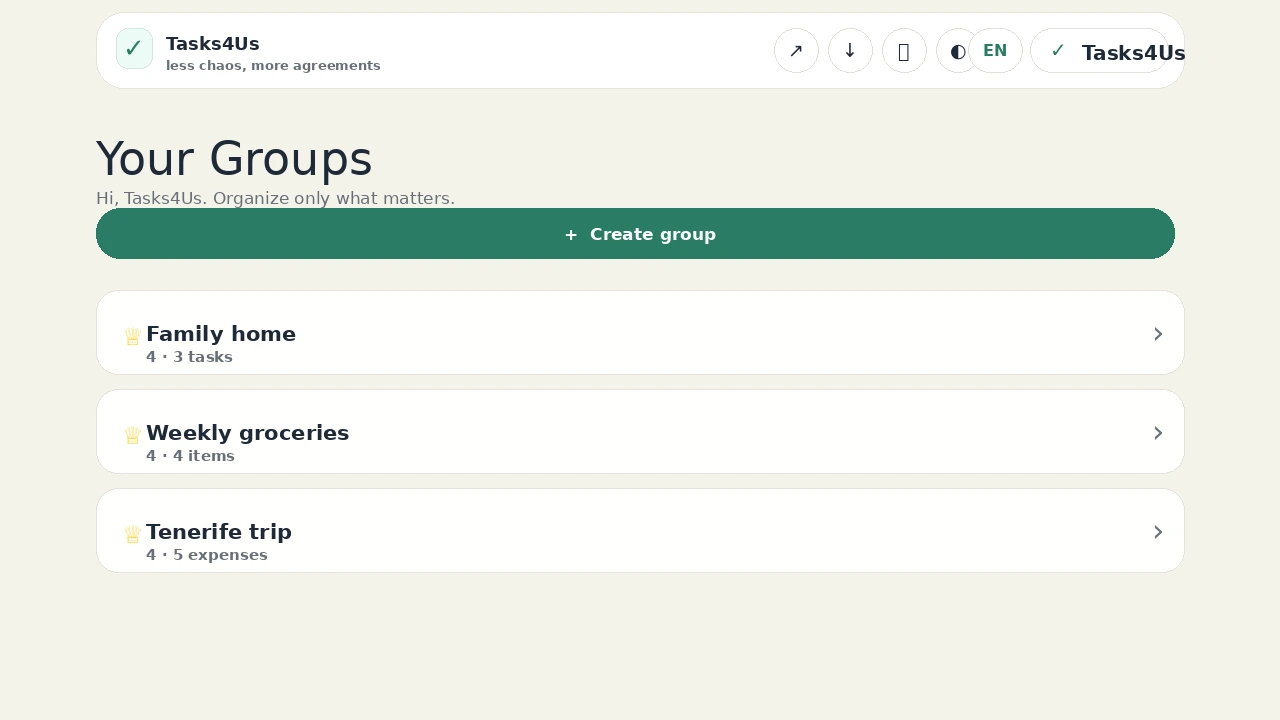
Tasks4Us works best when every group has one clear purpose: tasks, an item list or shared expenses. The examples below use real app screenshots in English, so the visual language matches this article.
Create a shared expenses group for the trip
Open an expenses group named after the trip, such as “Tenerife trip”. Hotel, dinners and car costs stay separate from tasks and from the chat.
Record each expense and who paid it
For every payment, enter the concept, the amount and who paid. The English form shows the “Concept”, “Amount” and “Paid by” fields and the “Add expense” button, so nobody has to piece it together later.
Close the account once nothing is left to add
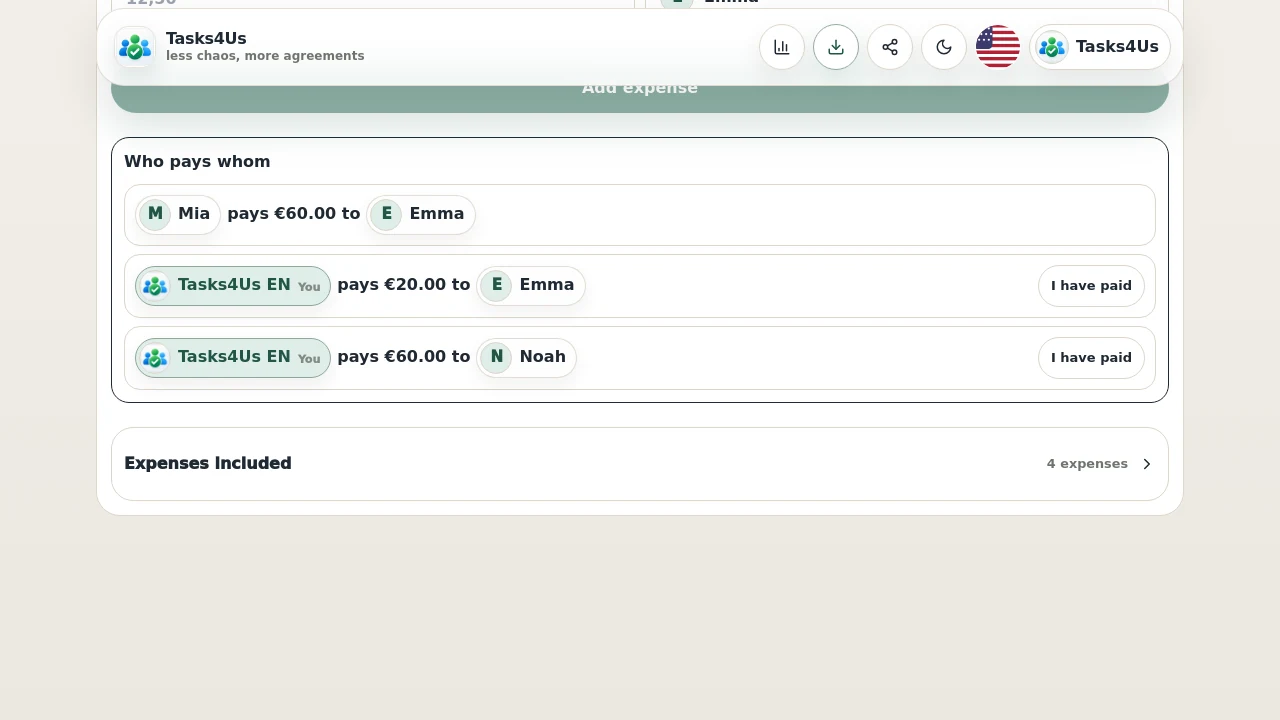
When the group has recorded every payment, close the account: Tasks4Us works out who pays whom and keeps the included expenses grouped in case anyone needs to check them.
Start with one shared group.
Create a task group, item list or shared-expense group and invite the people who need visibility.
FAQ
Does it work for a trip with friends?
Yes. That is the typical case: one person pays the hotel, another the car, another the fuel, and at the end it has to even out. Closing the account shows who pays whom.
Do I need a spreadsheet?
No. Add the expenses to the group and Tasks4Us calculates the pending payments when you close the account.