
How to create a shared shopping list without duplicates
Guide with English screenshots for letting several people add products, notes and owners to one shared item list so nobody buys the same thing twice.
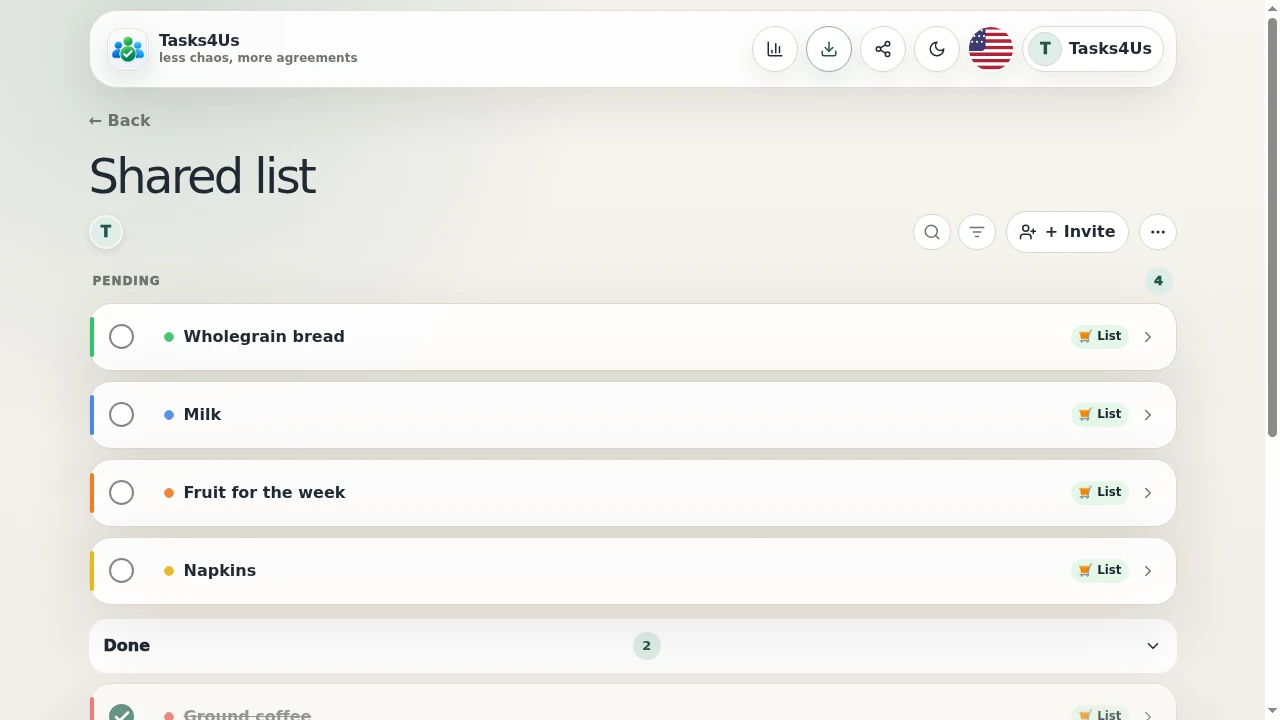
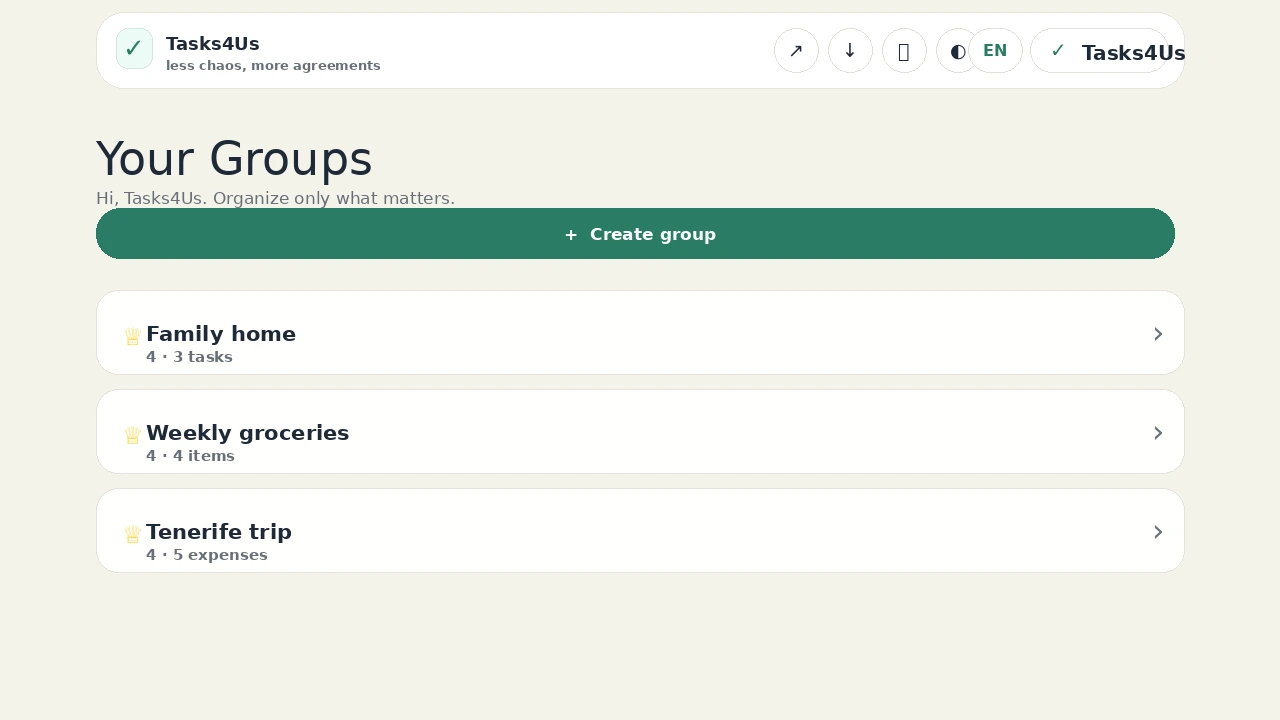
Tasks4Us works best when every group has one clear purpose: tasks, an item list or shared expenses. The examples below use real app screenshots in English, so the visual language matches this article.
Create the group as an item list, not as tasks
For groceries, equipment or packing, choose the item list type. The app talks about items to buy and items bought, which is exactly what you need to see in the supermarket.
Add each product with a short note
Type milk, fruit, detergent or kitchen paper and add the brand, the quantity or an owner when it helps. That way nobody comes home with the wrong product.
Mark what is bought and keep pending items on top
As soon as someone buys something, they mark it from their phone. Pending items stay visible on top and bought ones move aside, so two people never buy the same thing.
Start with one shared group.
Create a task group, item list or shared-expense group and invite the people who need visibility.
FAQ
Is it only for groceries?
No. It works the same for packing lists, gifts, event supplies or any item list you share with other people.
Why not just use phone notes?
Because in Tasks4Us every invited person sees the same list, with status and owner updated on the spot.