
How to avoid duplicate wedding gifts with a shared list
Guide with real English screenshots so guests can see which gifts are still available and which are already bought, with no duplicates or lost messages.
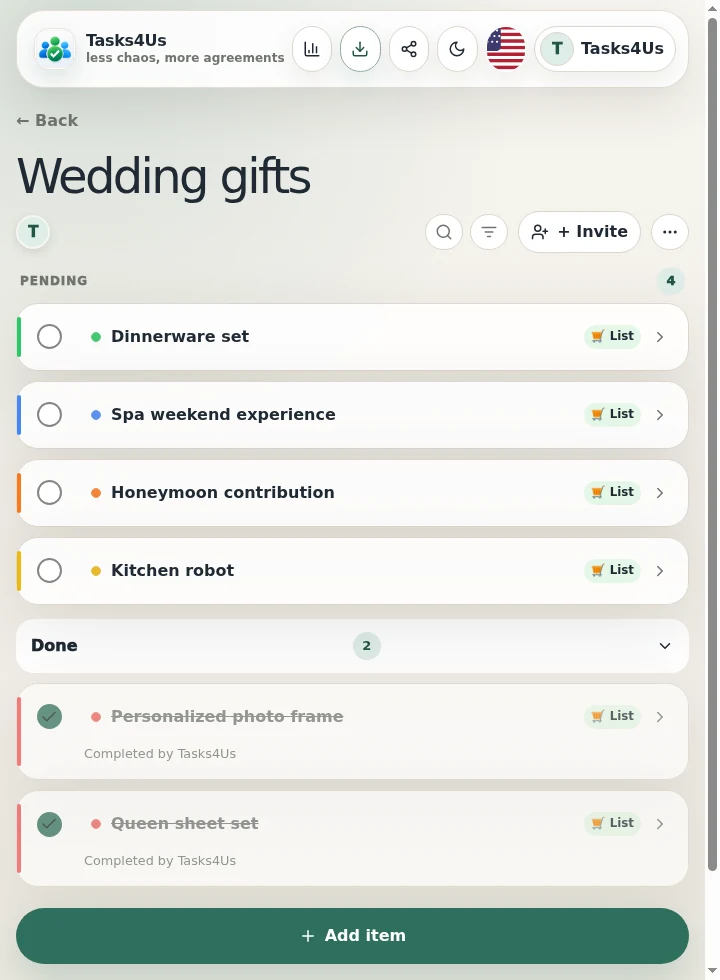
Tasks4Us works best when every group has one clear purpose: tasks, an item list or shared expenses. The examples below use real app screenshots in English, so the visual language matches this article.
Create an item list for the gifts
Open a list-type group and add every gift, contribution or pending purchase as an item. Before choosing, each guest sees what is still available.
Add a note to each gift to avoid mistakes
State the model, a reference link, the couple's preference or who is covering it. That way two guests never buy the same thing without knowing.
Mark what is bought and keep the pending gifts visible
When someone buys a gift they mark it and it leaves the pending view. What stays on top is what is still missing and who is covering it, with no last-minute purchases.
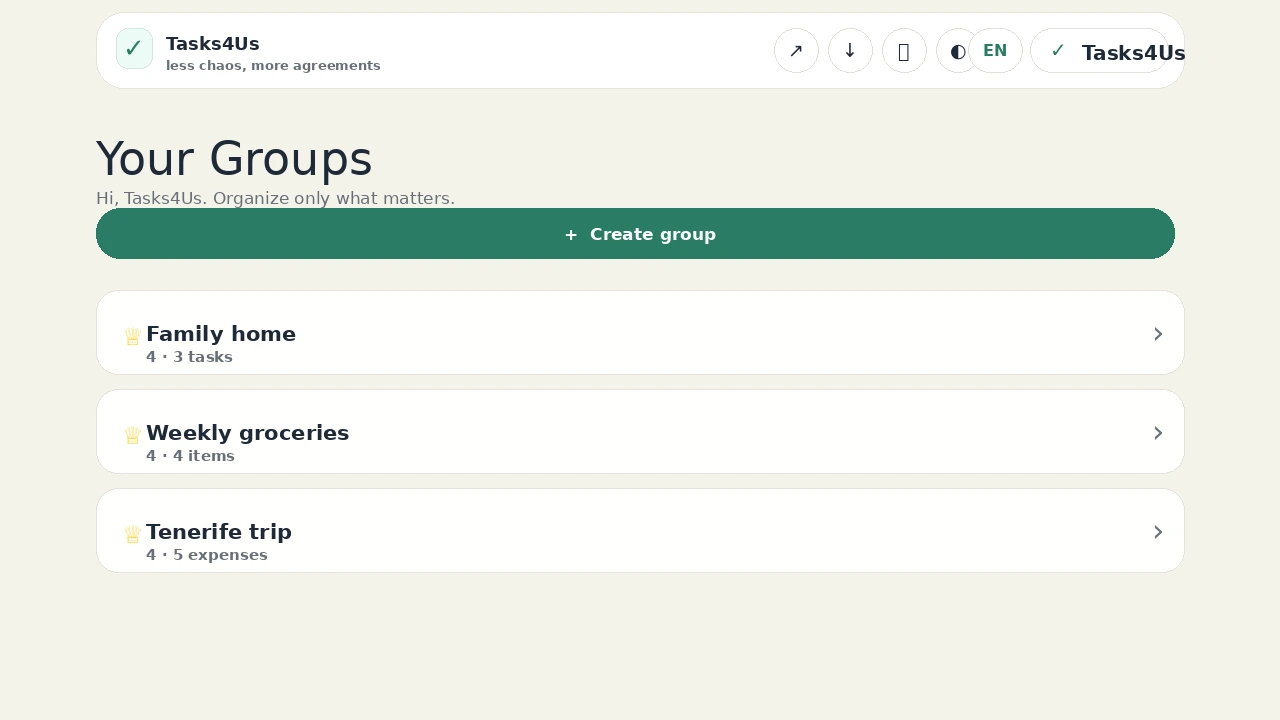
Start with one shared group.
Create a task group, item list or shared-expense group and invite the people who need visibility.
FAQ
Does it have to be called “gift list”?
No. Name it after the event, the couple or the family group; what matters is that the group is a list.
Does it work for other events?
Yes. Birthdays, family dinners or team events are organized the same way: with one shared item list.